
![[Radio System] ESX QBCore {ESCROW }](https://dunb17ur4ymx4.cloudfront.net/packages/images/25419e891dc145e3ef28471fe1bf2a2a1d69a2b8.png)
![[Radio System] ESX QBCore {ESCROW }](https://dunb17ur4ymx4.cloudfront.net/packages/images/eaa710815ace04d2b60da44db6ebeaf485a67333.png)
![[Radio System] ESX QBCore {ESCROW }](https://dunb17ur4ymx4.cloudfront.net/packages/images/b99de875f0350ebcf3ddbd816495457dad21cf58.png)
![[Radio System] ESX QBCore {ESCROW }](https://dunb17ur4ymx4.cloudfront.net/packages/images/e78d2a8efe3642b72496f7b6efd98abe367250d2.png)
![[Radio System] ESX QBCore {ESCROW }](https://dunb17ur4ymx4.cloudfront.net/packages/images/01f11ccbe34a92a93fcc077833fdb933dbaf9670.png)
![[Radio System] ESX QBCore {ESCROW }](https://dunb17ur4ymx4.cloudfront.net/packages/images/be4286a8a83574d909f82074043eb1009df02bd9.png)
![[Radio System] ESX QBCore {ESCROW }](https://dunb17ur4ymx4.cloudfront.net/packages/images/2f785aad7da0b00b8cc687978da83bd665619fa0.png)
![[Radio System] ESX QBCore {ESCROW }](https://dunb17ur4ymx4.cloudfront.net/packages/images/ca6058324992fbe9676d8c6a585db7e232f1cb85.png)
![[Radio System] ESX QBCore {ESCROW }](https://dunb17ur4ymx4.cloudfront.net/packages/images/e245e9fe63c65d0e51c7a7e534940d9bc4fbd863.png)
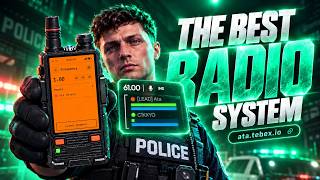
A complete radio system
Three radios (handheld, earpiece and vehicle), a live HUD for every channel, a radio jammer and a full in-game admin panel.
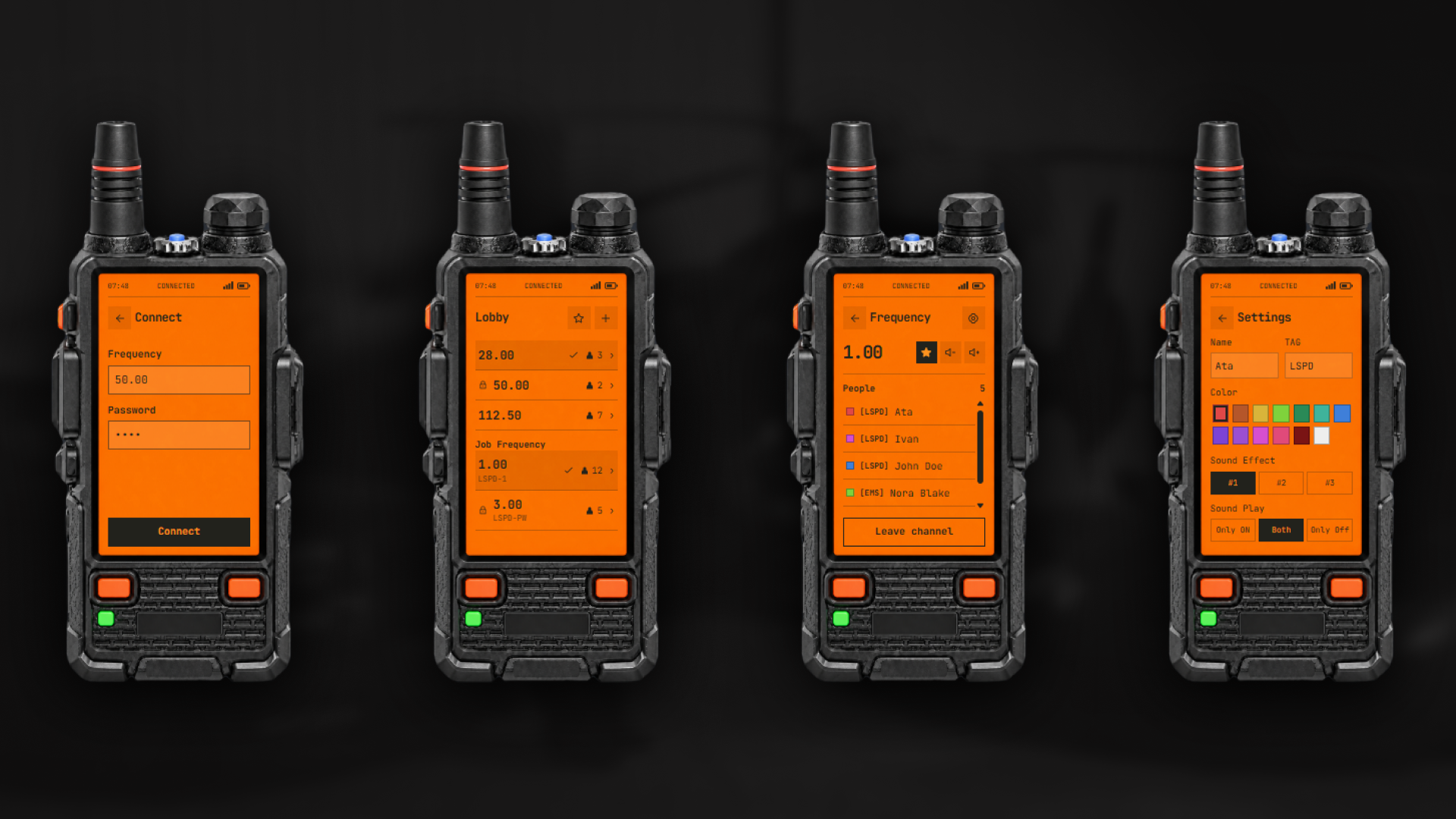
Multi-Channel Communication: Connect to up to four channels at the same time, listen to all of them, and talk on the one you choose.
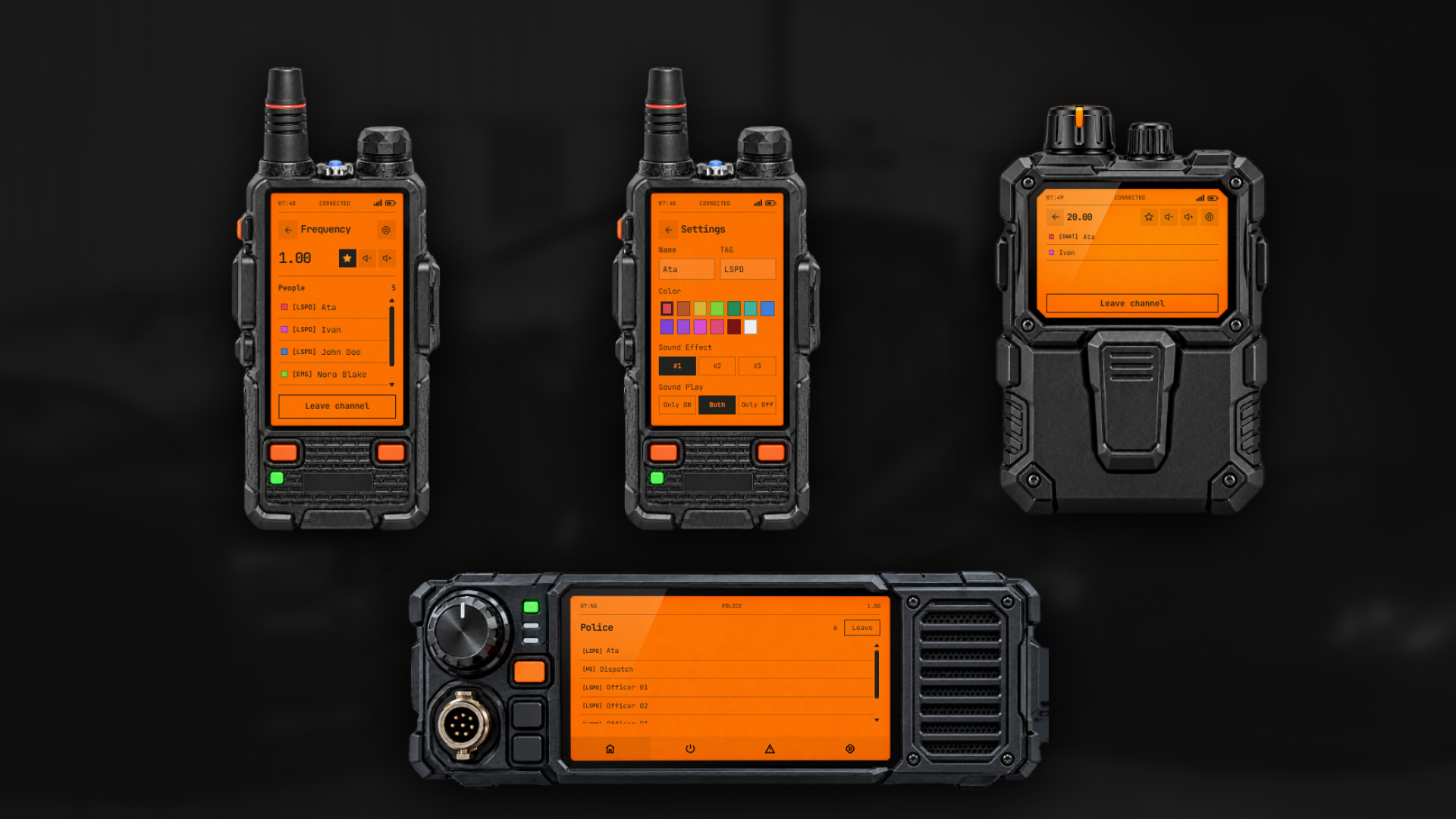
Three Radios: A handheld radio, an earpiece and a built-in vehicle radio. They all work on the same frequencies.
Live HUD: Each channel has its own HUD showing who is in it, who is talking, and their health and armor.
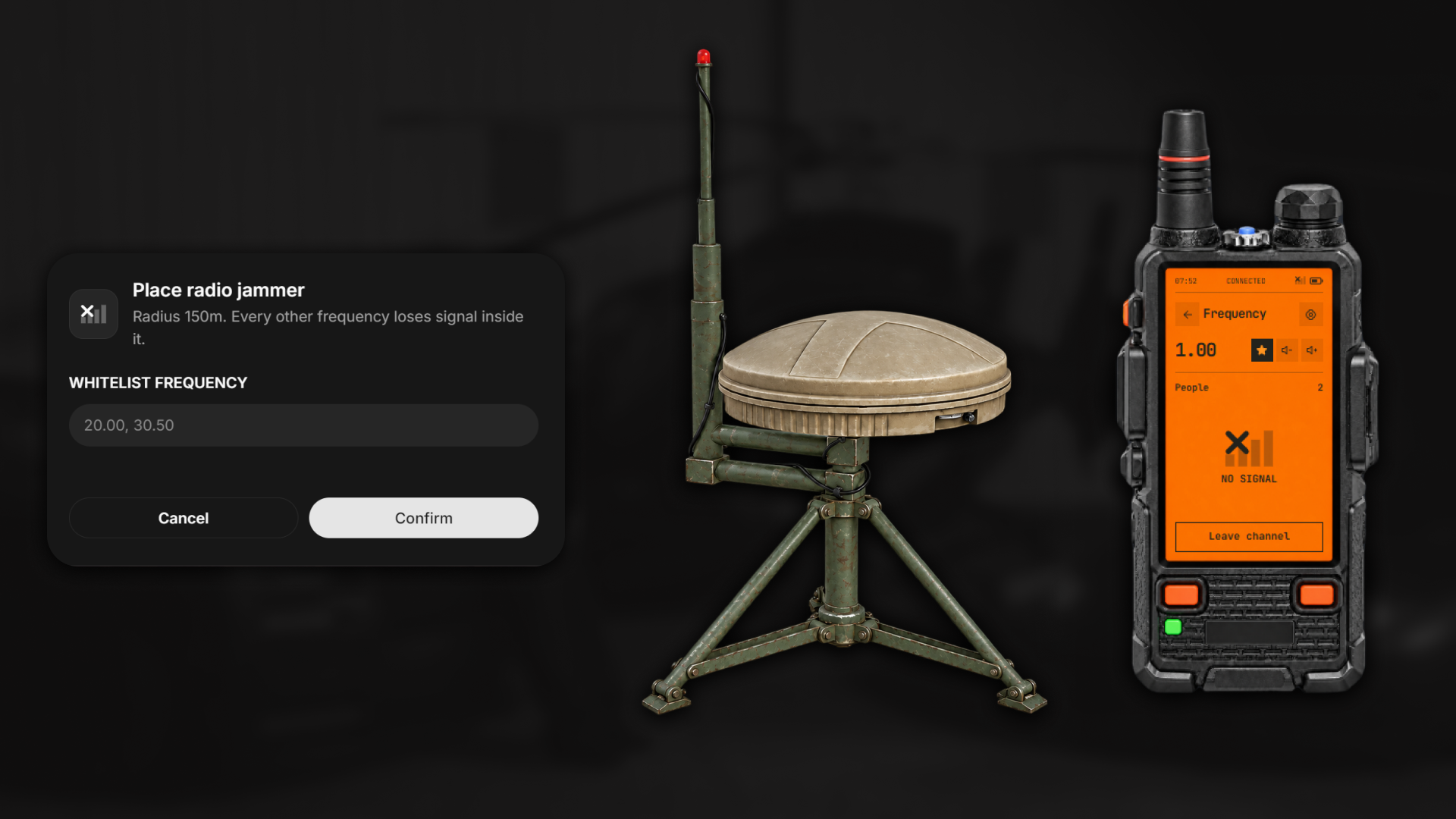
Radio Jammer: A placeable item that cuts the signal of every frequency around it, except the ones you whitelist.
In-Game Admin Panel: Manage job channels, vehicle radios, jammers, animations and settings without touching a file or restarting.
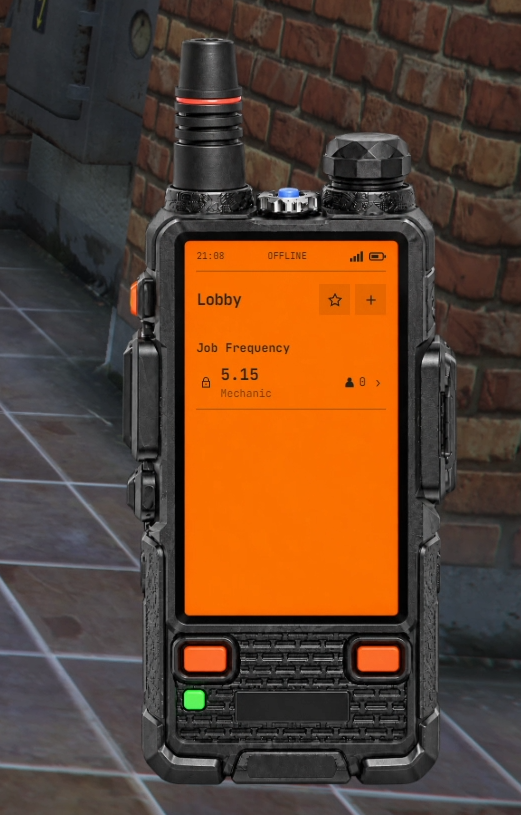
Lobby: See the active frequencies and how many players are on each one. Job channels are listed in their own section.
Connect: Join any frequency from 0.01 to 999.99, with a password if the channel has one.
Channel Page: See everyone on the channel, change the volume, save the frequency as a favorite, or leave.
Settings: Set your name, tag and color on the radio, and choose your click sound.
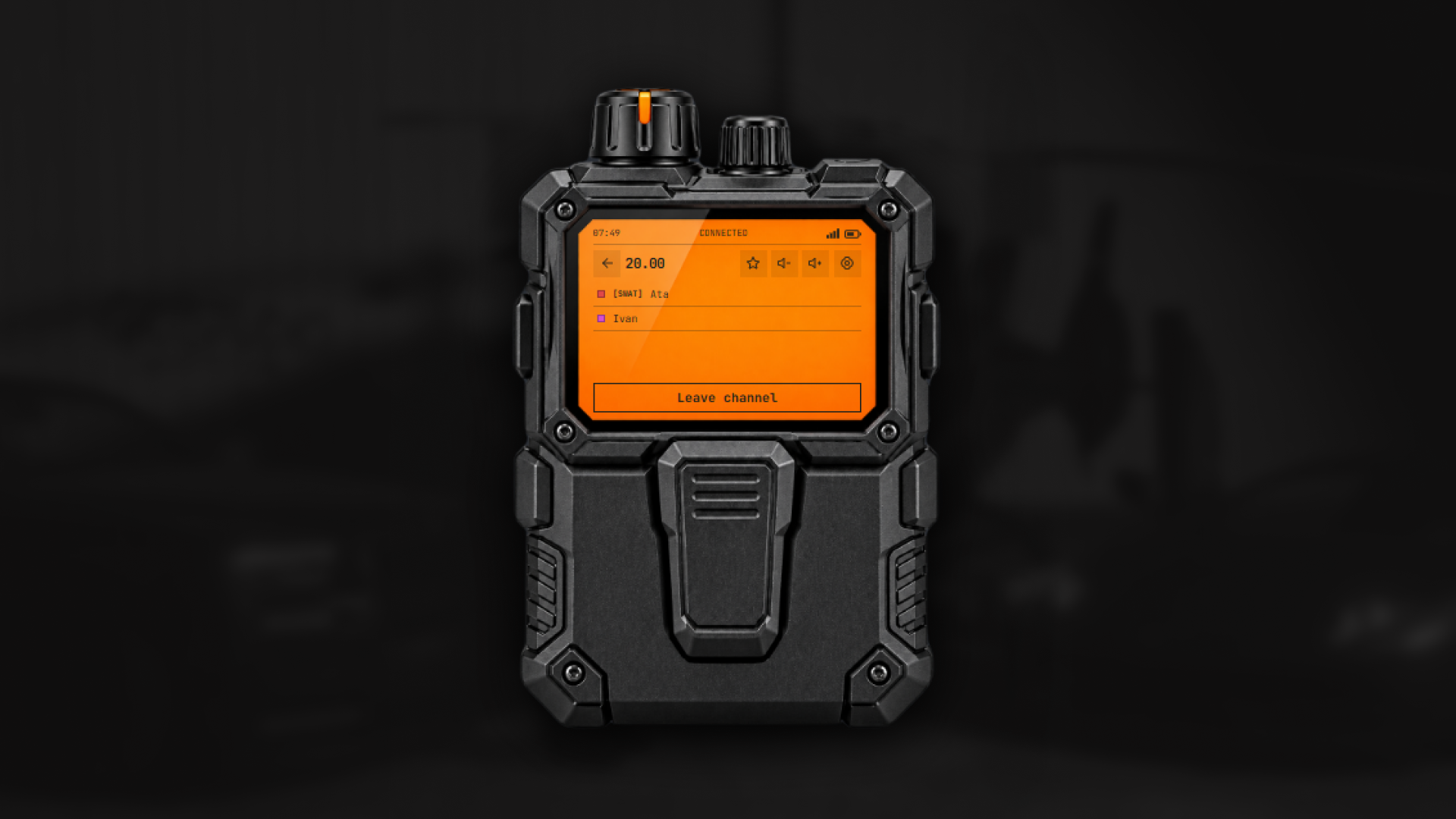
A separate item with the same screens as the handheld. It has its own profile, favorites and talking animations, and no radio in your hand. If the player loses the item, the earpiece disconnects.
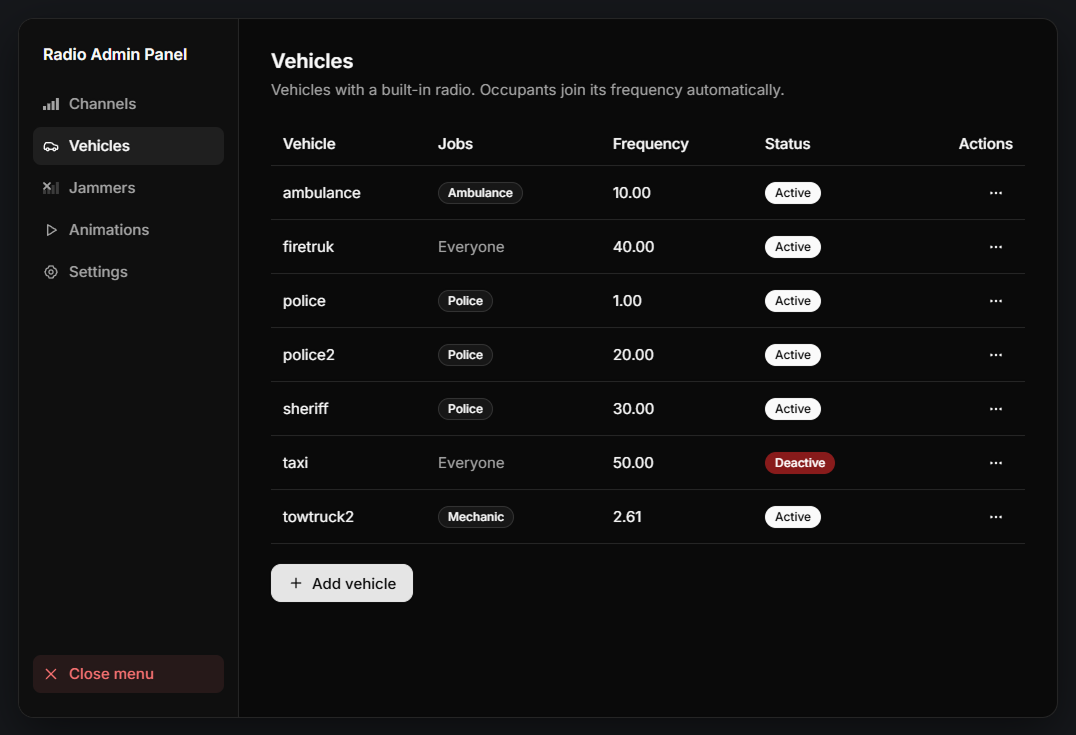
Vehicles can have a built-in radio on a fixed frequency. Everyone who gets in joins it automatically, and leaves it when they get out
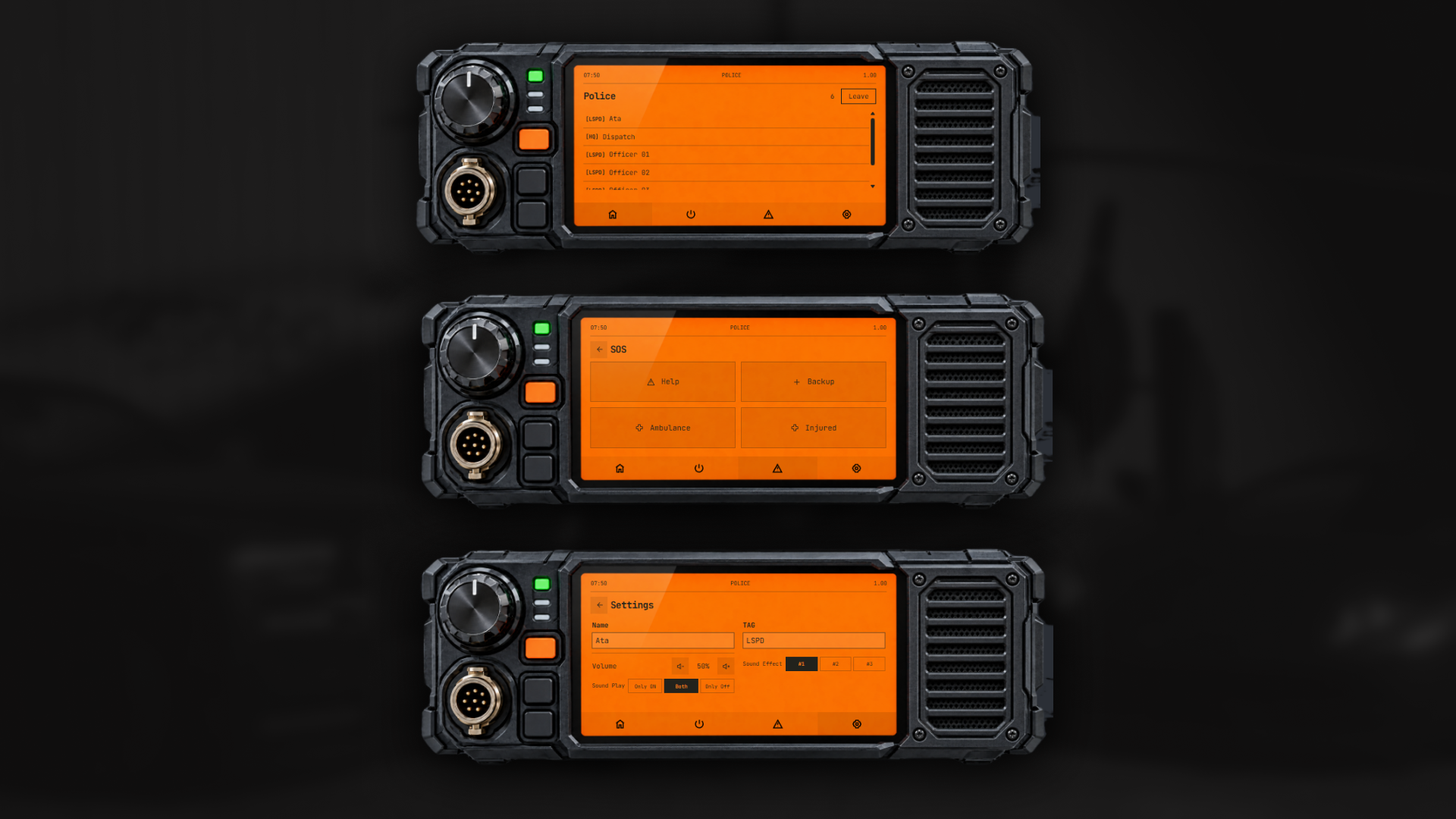
Every channel you join gets its own HUD.
When a radio is open, each HUD has its own settings: volume, opacity, hide names, hide the list, show only the latest talkers, and move mode to drag the HUD anywhere on the screen. All of it is saved per player.
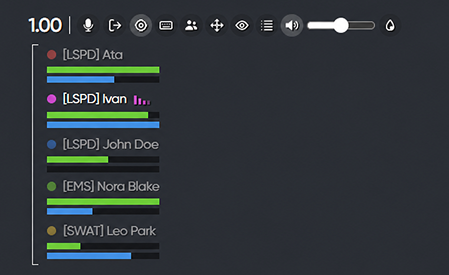
Players can set a different push-to-talk key for each channel, directly from the HUD. Press the key and you talk on that channel only.
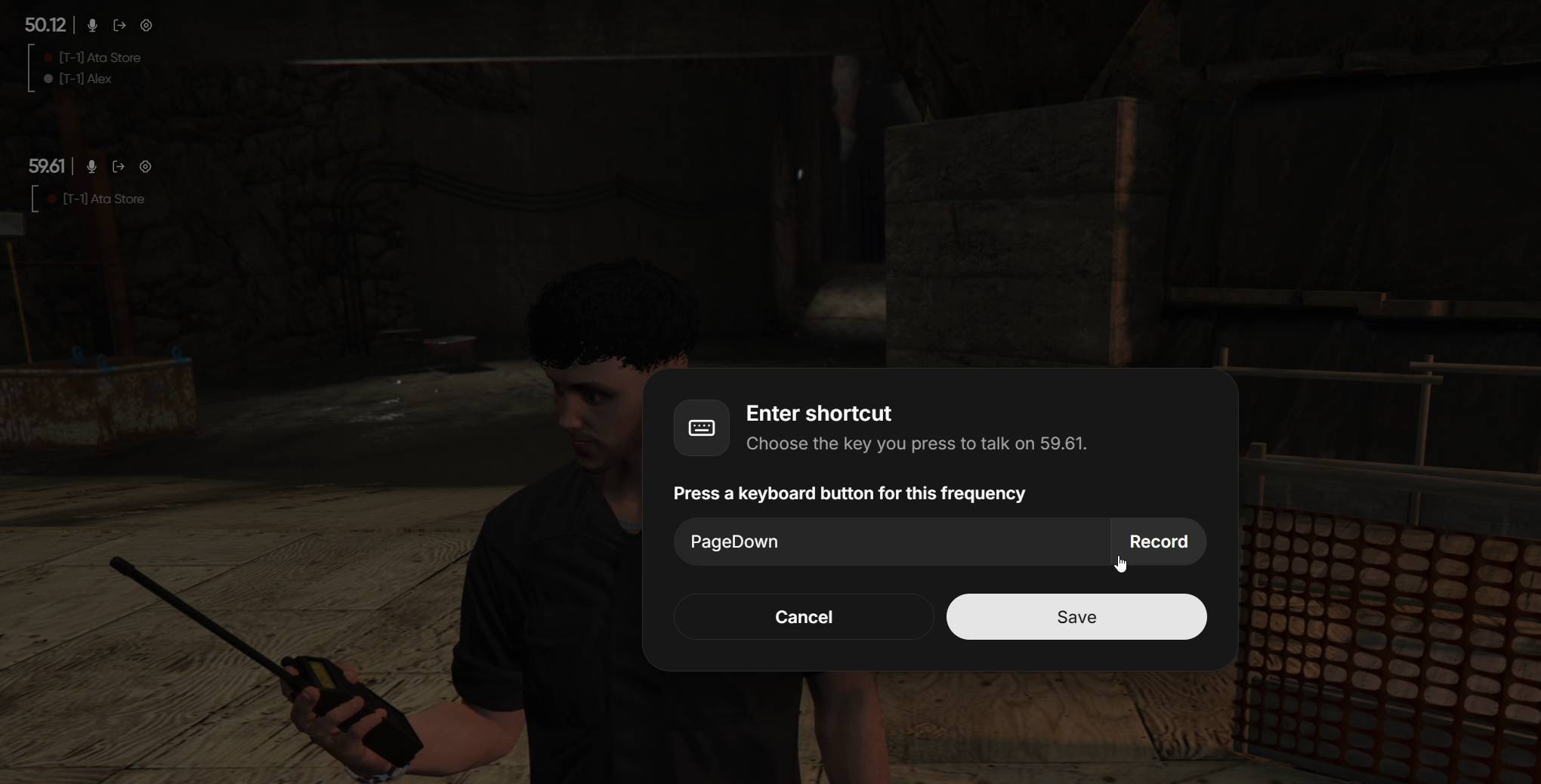
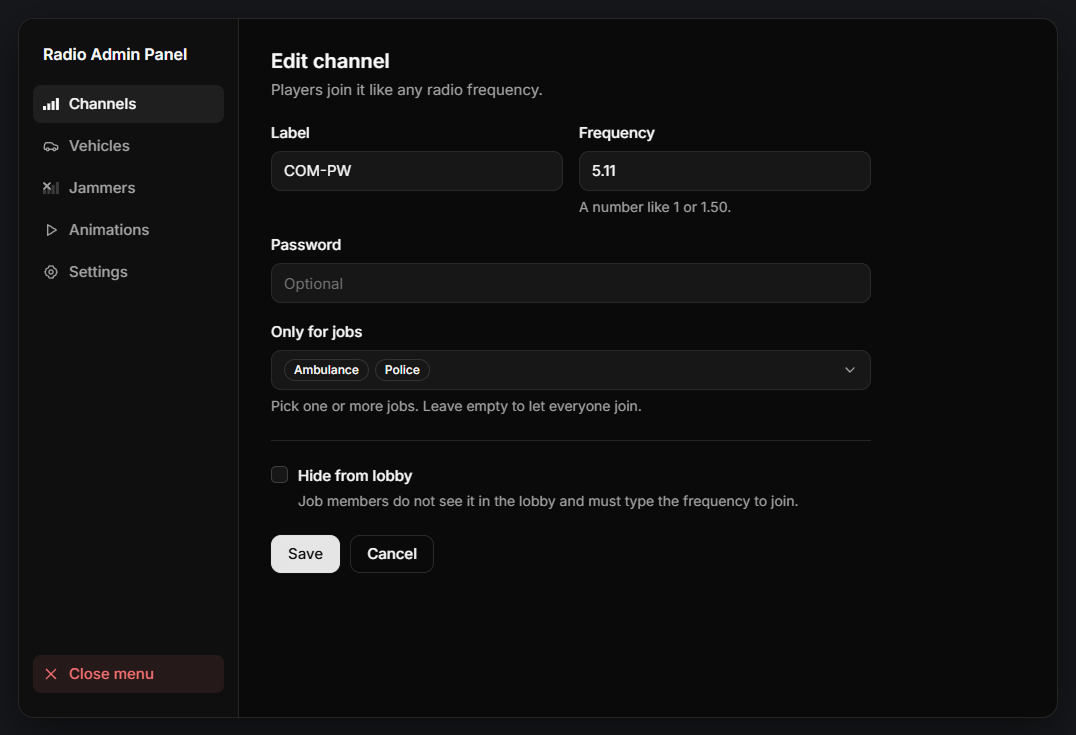
Create channels for specific jobs. Job members see them in the lobby with their label. You can protect a channel with a password, or hide it from the lobby so players have to type the frequency.
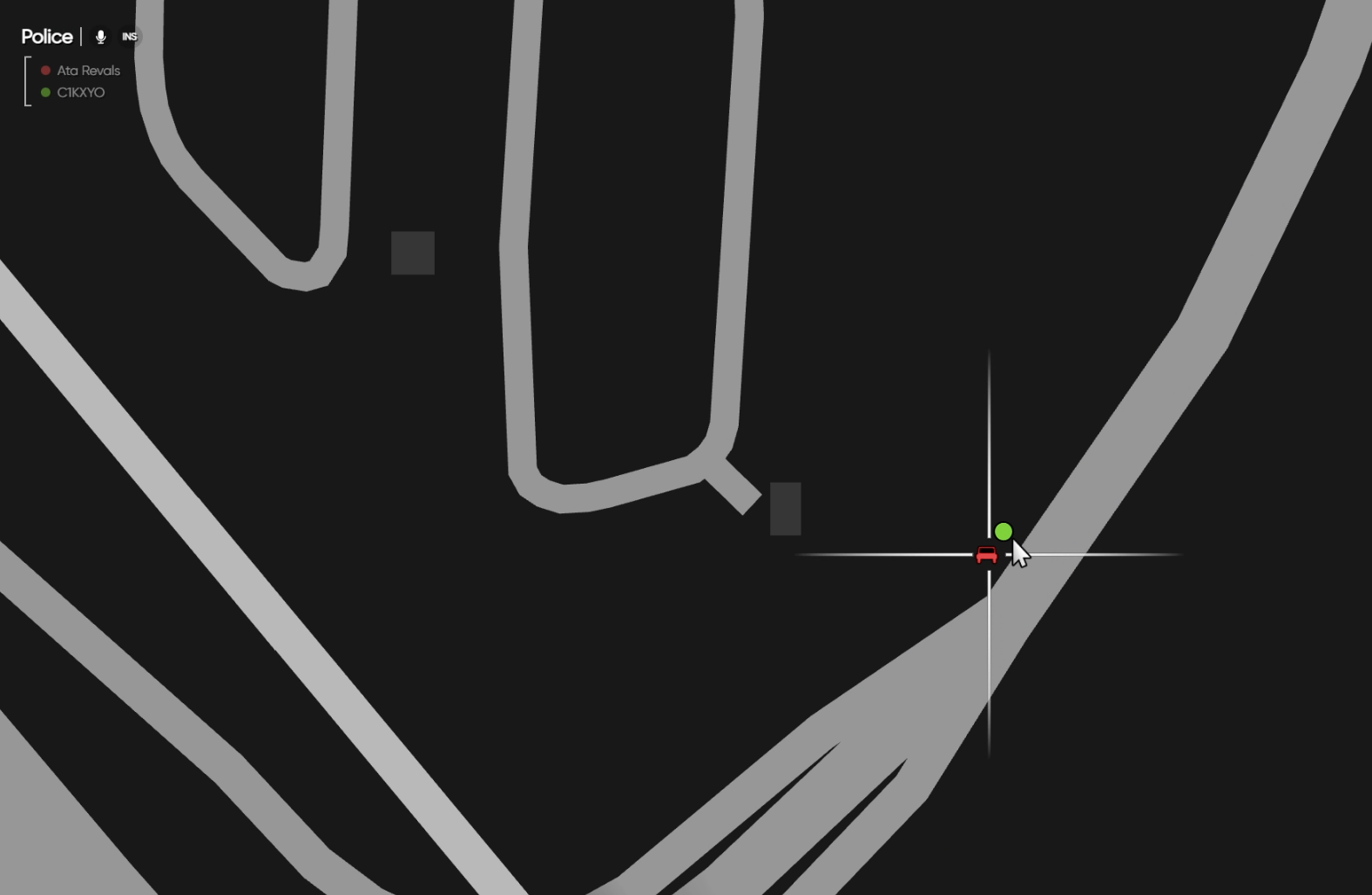
Players on the same frequency see each other on the map, in their radio color. The blip changes when the player is in a vehicle.
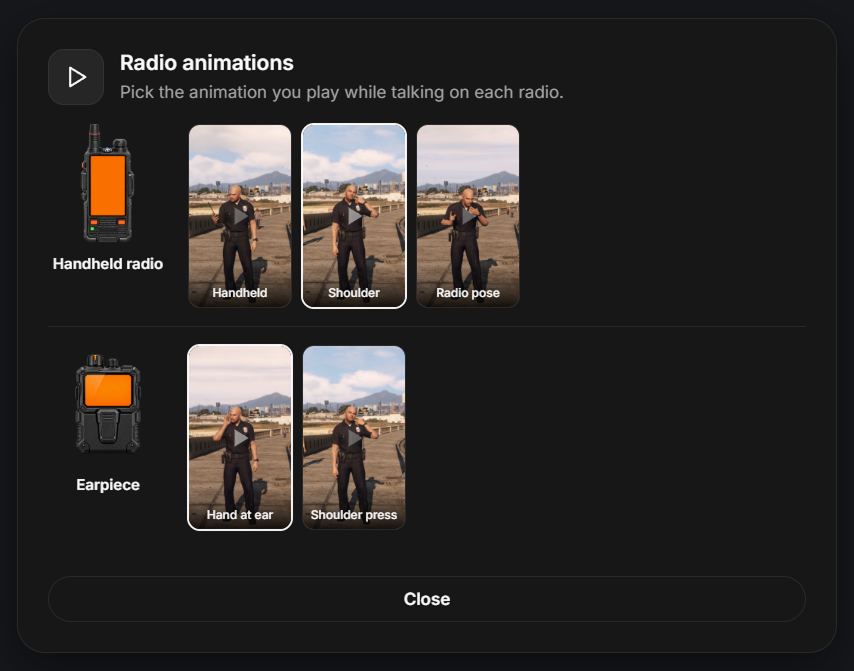
Each radio has its own list of talking animations. Players pick the one they like with /radio_animation, and their choice is saved. You can add your own animations in the config.
Three different click sounds to choose from. Players can also decide when the click plays: only when talking starts, only when it ends, or both.
A placeable item. The player picks a radius from a top-down camera, adds the frequencies that should keep working, and puts the jammer down.
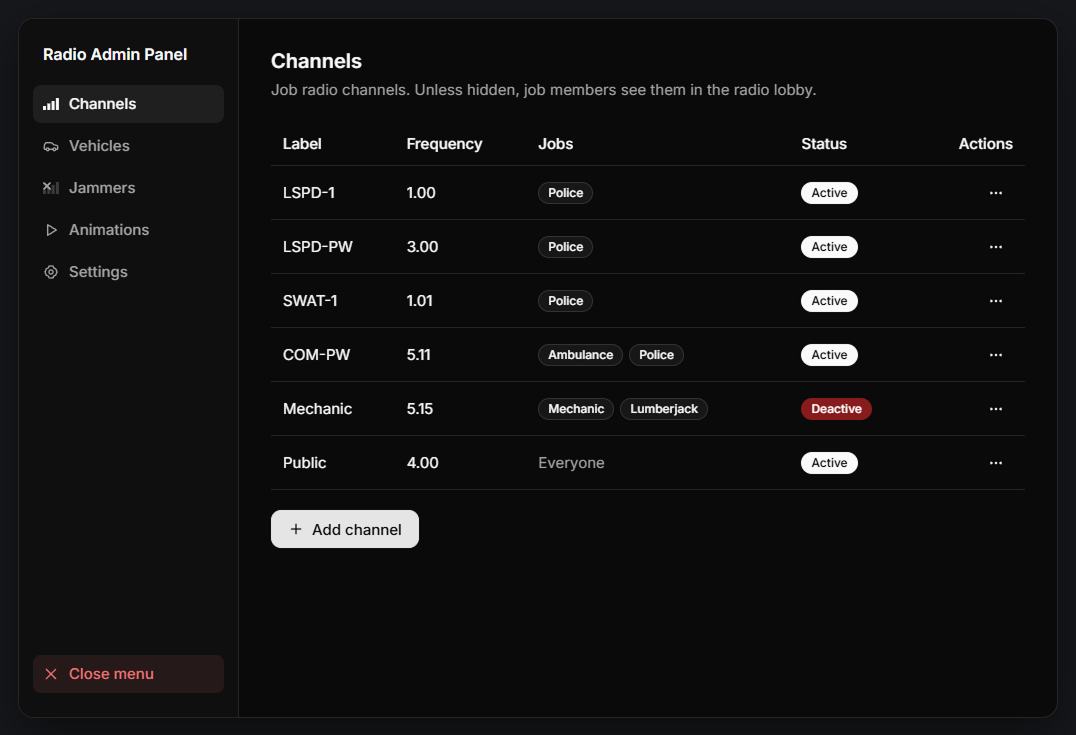
Everything you change is saved to the config file and applied to all players right away, with no restart.
Add, edit, deactivate or delete job channels. Set the label, frequency, password and allowed jobs.
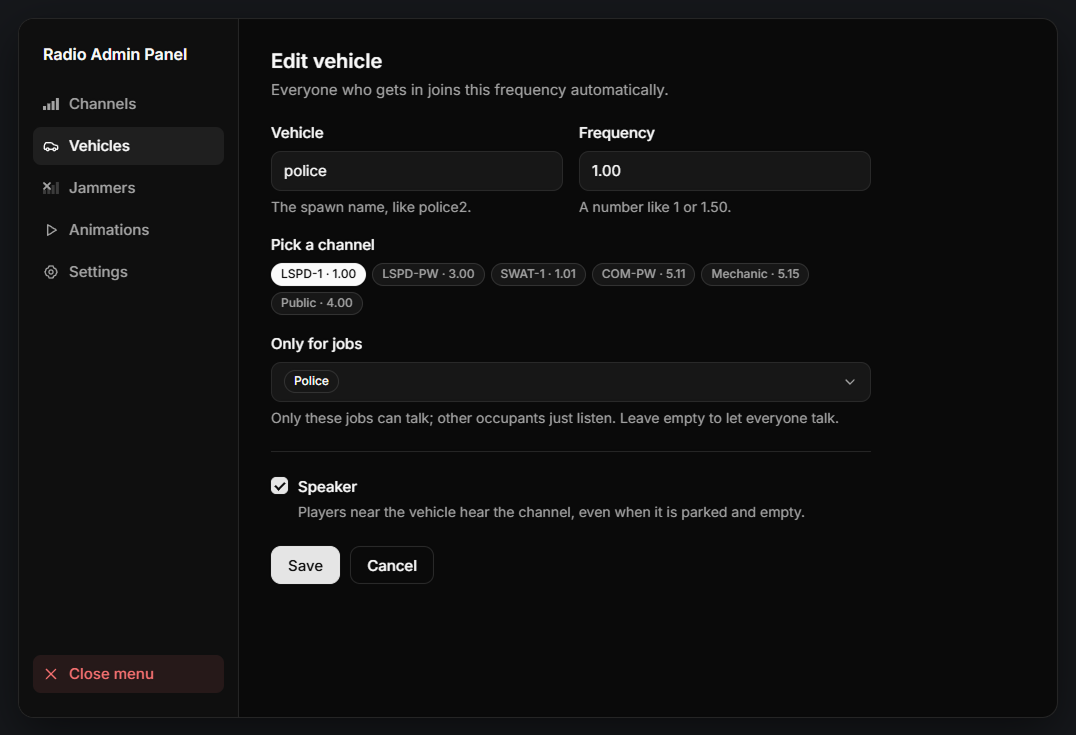
Give any vehicle a radio by its spawn name. Choose the frequency, the jobs that can talk, and whether it has a speaker.
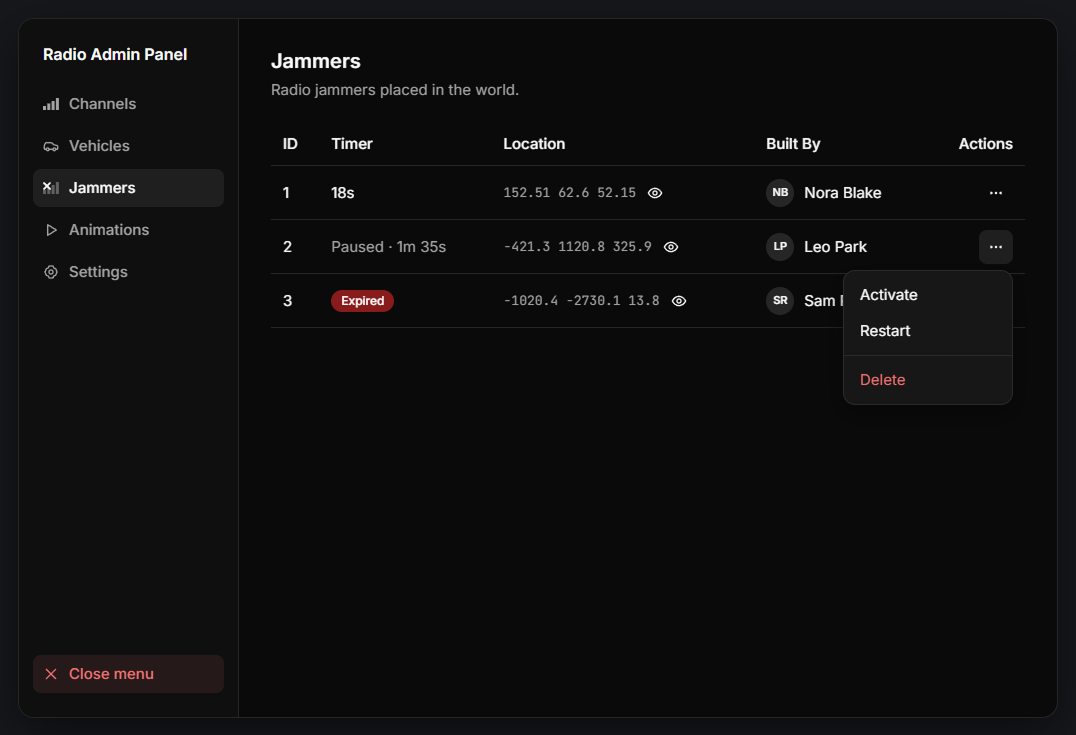
See every jammer placed in the world, with its timer, location and who placed it. Teleport to it, pause it, restart it, or delete it.
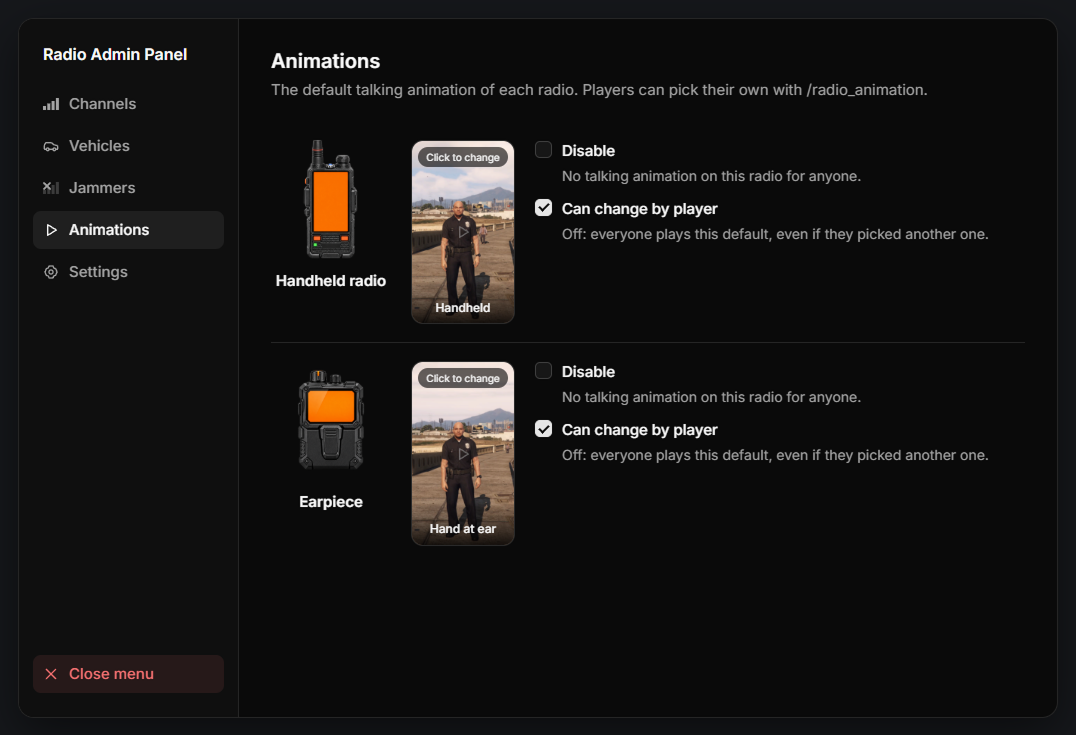
Choose the default talking animation of each radio. You can turn animations off, or stop players from changing them.
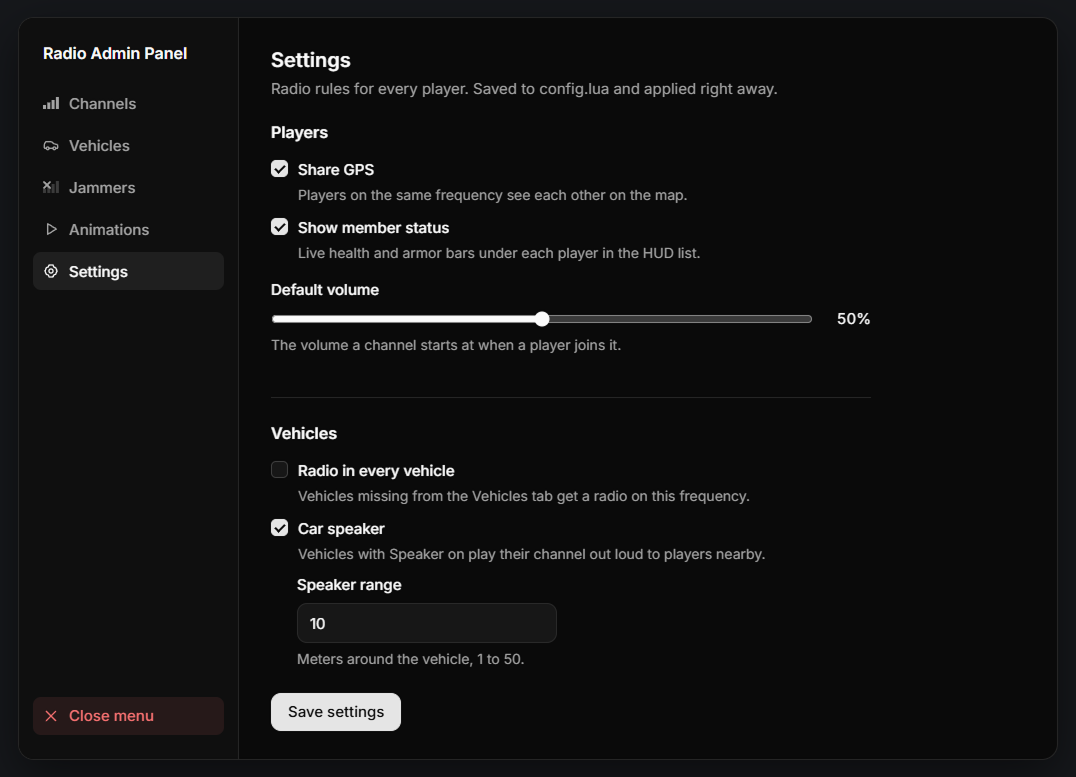
Turn shared GPS and the health and armor bars on or off, set the default volume, give every vehicle a radio, and set the car speaker range.
Join our Discord! Simply open a ticket, and our friendly experts will assist you with installation or troubleshooting.
We've proudly served over 2,000 satisfied customers with our quality products.
Our scripts are optimized for maximum performance so your server runs smooth.
All of our resource have a 72-hour refund guarantee so you can buy with confidence.

$16.97

$19.97

$19.97